Equinox App Update
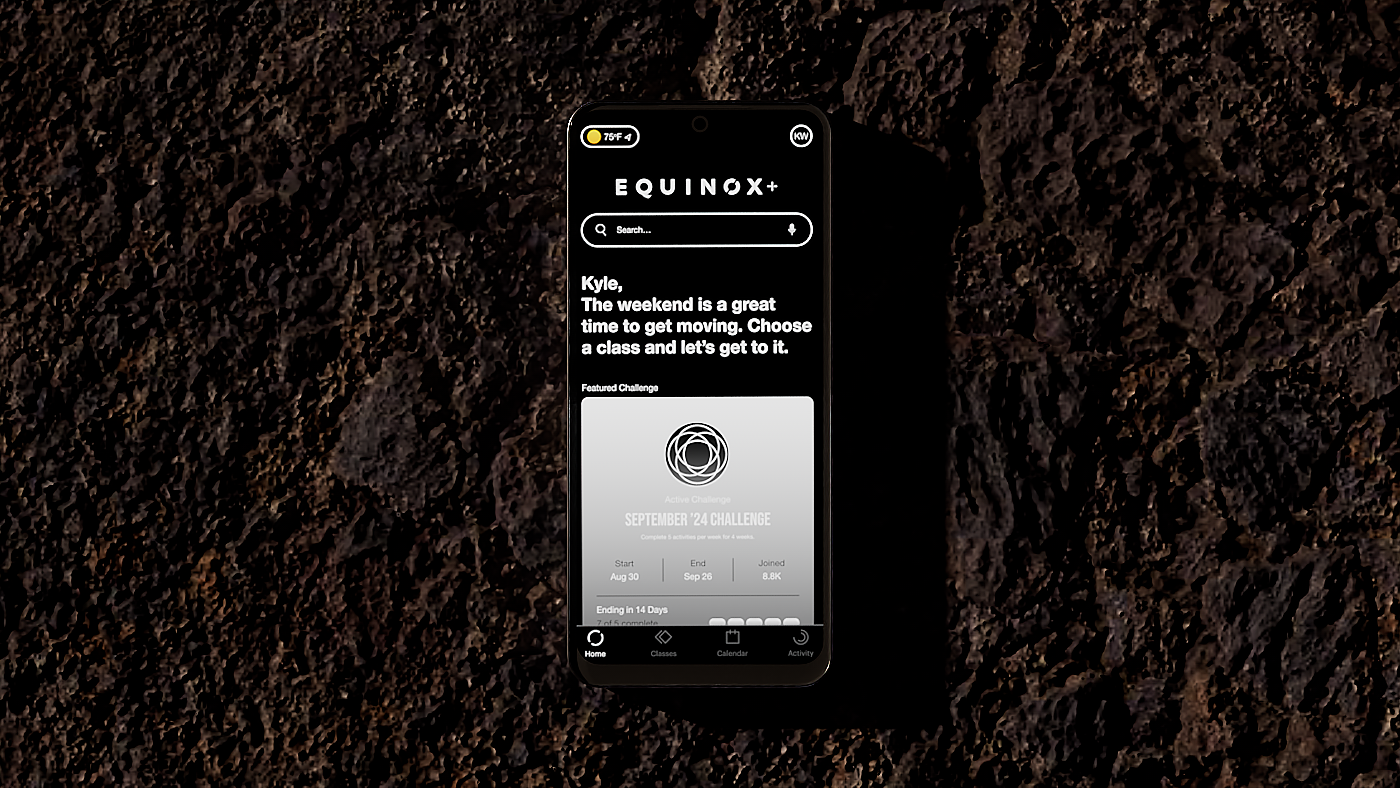
Today, when Exquinox App users want to find an exercise class, they must click through a filter. This is unacceptable because users are accustomed to using search engines by typing or speaking keywords. I envision a world where the Equinox App makes the search experience as familiar as using Google. I brought this world about through an updated search function that mirrors Google's search function.
Concept Development
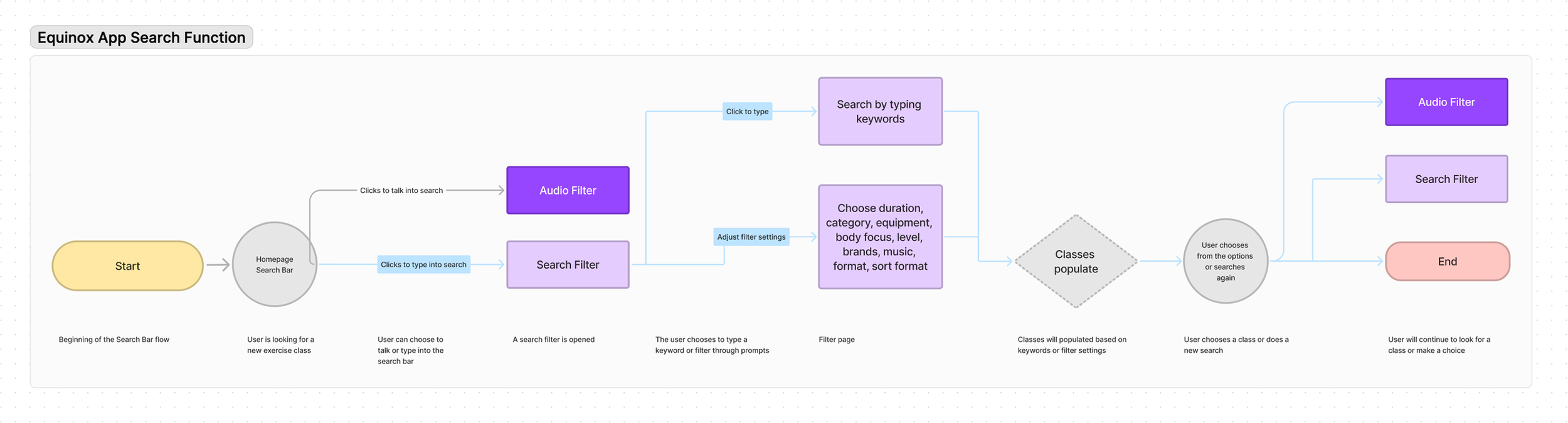
Equinox App is great because it has endless work out classes, but the way you search for them is a bit complicated. I wanted to simplify the user journey and make it effortless to find a class, allowing for easy and quick access to specific workouts by simply entering keywords like 'cardio ', 'squats ', 'chest day ', and more.
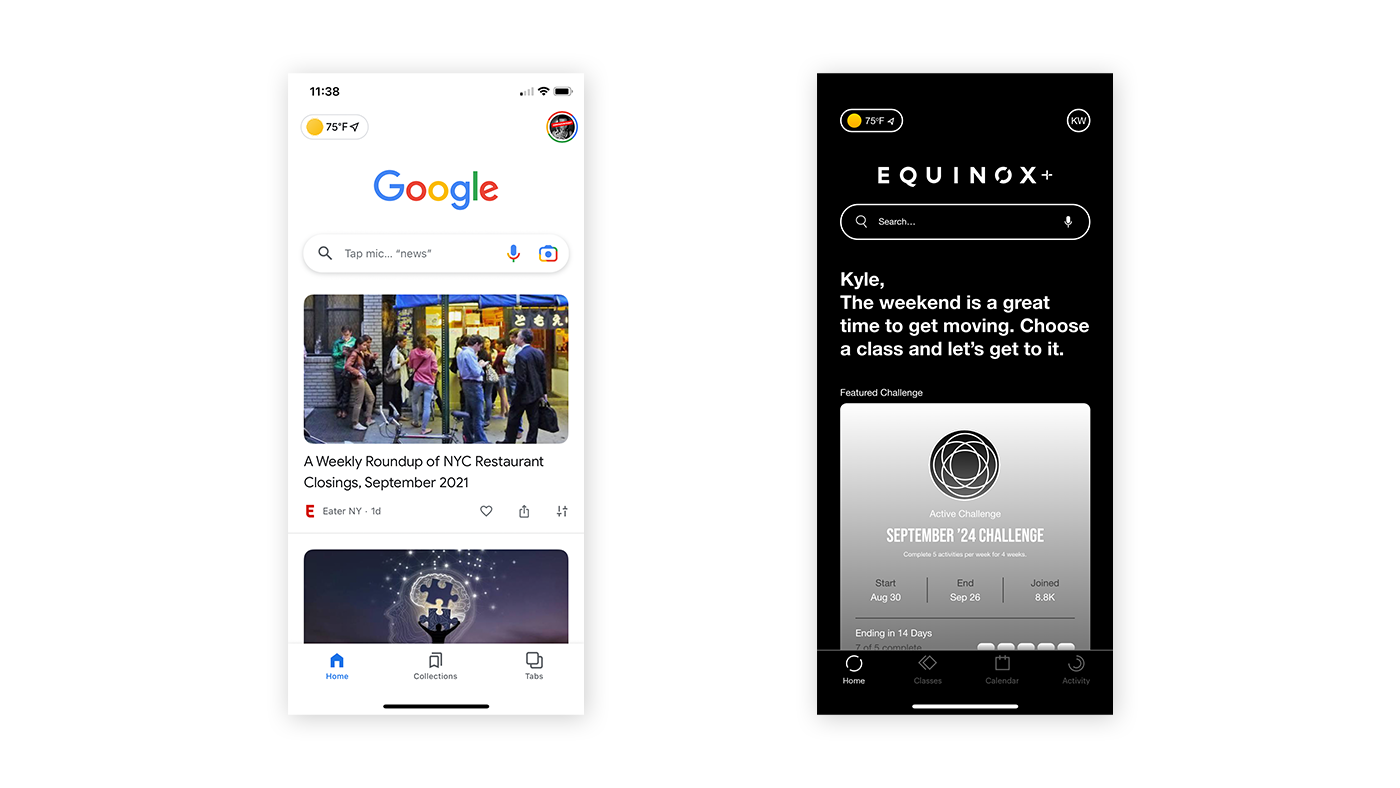
We drew inspiration from Google's landing page. They have the main logo and search bar large in the center of the screen and a few additional links are off in the corners. This makes sense because the sole reason a user is on Google is to search for something.
Design Process
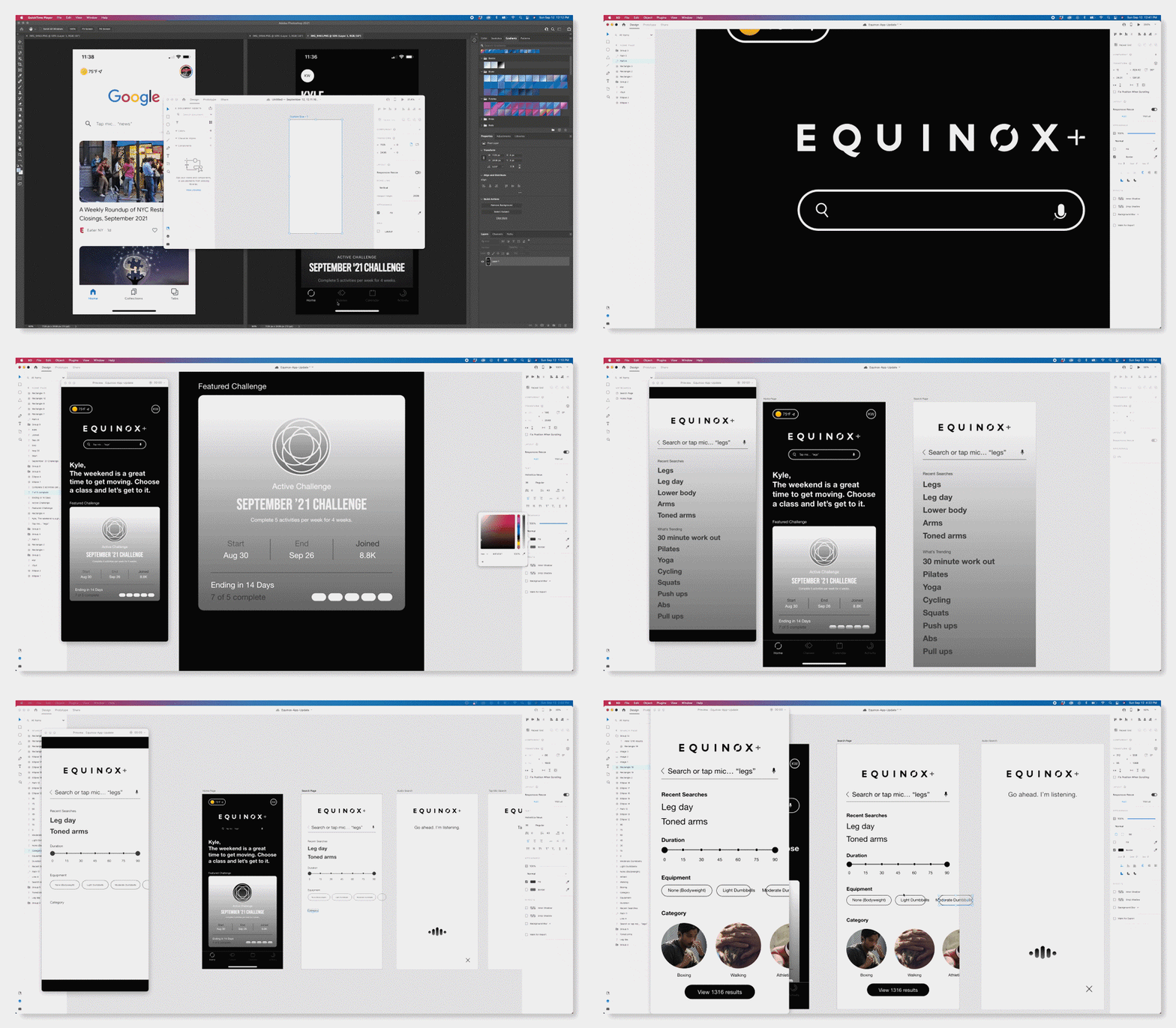
For this project, I utilized Adobe XD, a tool I was using for the first time. Despite my usual preference for Sketch, I found the Adobe suite's integration to be seamless. The ease with which I could export my artboards to After Effects with a single click was truly mind-blowing. This streamlined workflow made the creation of motion graphics, such as the audio wave icon, a straightforward process.
Final Design
Nominated for a February 2026 Design Rush Award - app Designs on DesignRush